Emacs wakes up small: reporting an issue in the WSLg repository
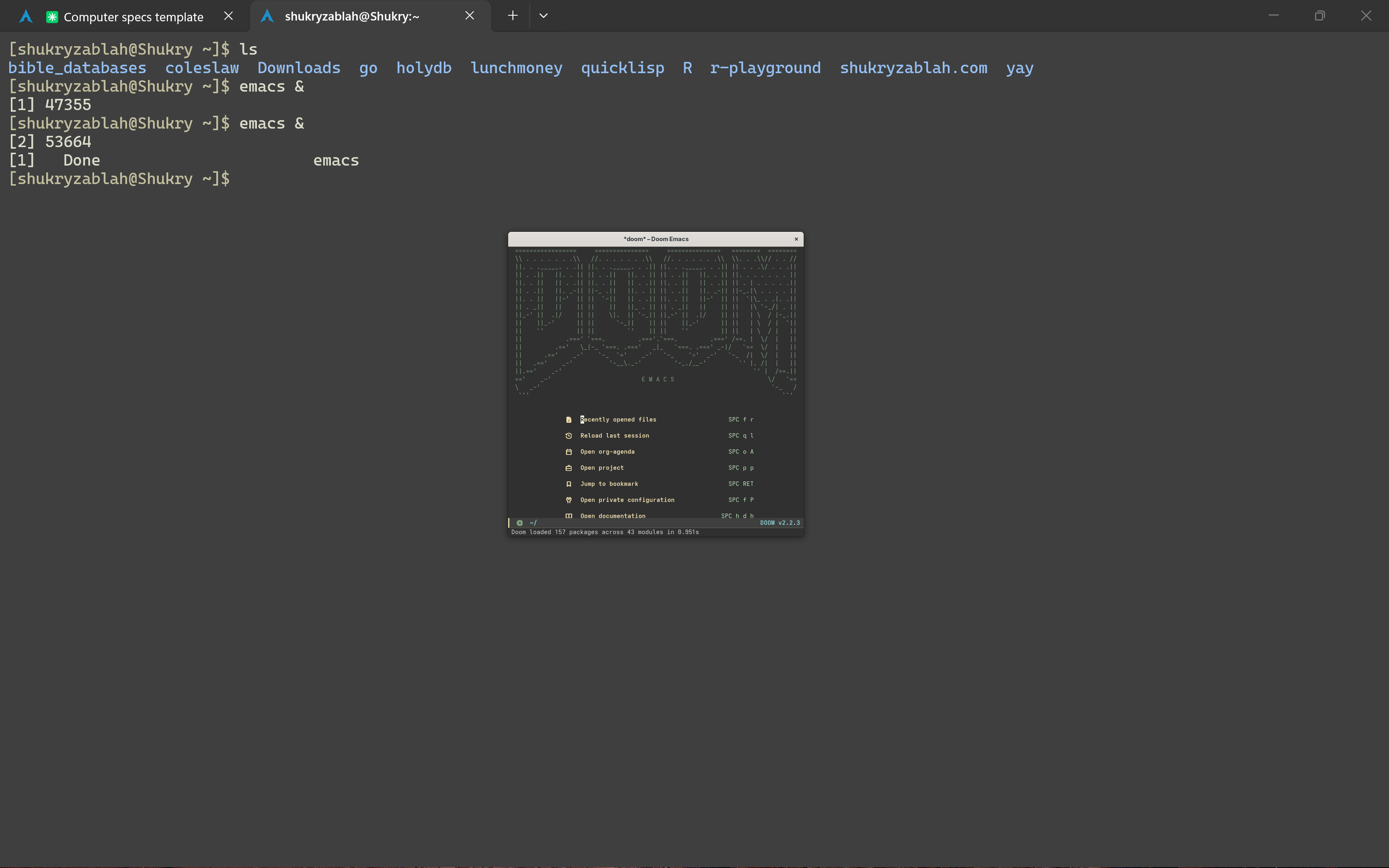
4 min readThere have been many times in which I have grabbed my laptop, opened it, and have seen my Emacs wake up tiny. This made working with WSL annoying, especially when using external displays. I never had time to figure it out ... until today.
Every time this happened before, the only available mitigation had been to kill WSL entirely with wsl --shutdown. This meant frequently preparing to close my editor, and to kill my development servers. It slowed me down enough to be annoying, not enough to warrant me looking into it.
WSL: Linux in Windows
I remember when I first learned about WSL. I didn't know it by name, nor was I able to use it. I only remember seeing a very captivating Windows Terminal app video.
The new Windows Terminal video posted May 6, 2019
I remember thinking it was a revolutionary concept. I had multiple times loaded Linux as an operating system on a handful of PCs, and I always found it annoying that it didn't have first class support in the systems that were available to me.
WSL is short for Windows Subsystem for Linux. Below is a description of WSL 1 and WSL 2.
- WSL 1: a translation layer rather than an actual Linux kernel. It's faster on files under /mnt/c/ since it reaches them directly, and it uses fewer resources because there's no VM.
- WSL 2: a real Linux kernel in a managed VM, with full syscall compatibility. Faster inside the Linux filesystem; WSL 1 can't run Docker containers, lacking a real kernel and full syscall support.
WSLg: Linux GUI Apps in Windows
My daily driver for the past 2 years has been a Windows PC's Ubuntu WSL (because you can use multiple distros as easily as you have tabs in the terminal), with Doom Emacs being my primary development environment. Every time I open Ubuntu or Arch in the Windows Terminal and type emacs, an Emacs GUI window pops up. Previously this used to require a separate X server. Now, that is not necessary, and GUI applications "just work" in WSL. Below is how I have understood things:
- X Server: a middleman protocol that owns the screen, apps draw over the network, X is a dated approach to graphical user interfaces in Linux. You need a separate solution for window management and for the compositor.
- Wayland: a protocol that supersedes X, which lets apps talk directly to the compositor which also takes care of window management and display.
- Weston: the reference implementation of the Wayland protocol, minimal and chosen by Microsoft to use for their WSL.
- WSLg: a distro that runs in the same place the user distro runs, in charge of running audio, compositor, X translation layer, and the supervisor in charge of those.
In summary, if I open the Arch distro in WSL, and type emacs, it will let the app talk directly via sockets to the WSLg distro, which is running the compositor, and it hands the information over sockets to the Windows Remote Desktop client, which treats each of those GUI apps as independent native Windows windows.
The bug: a scale factor of zero
The fact that Emacs is the only GUI application that I was using in WSL all this time made me initially think that it was related to Emacs in WSL. However, a telling piece of information was that the mitigation I knew wasn't pkill emacs, but instead wsl --shutdown. This pointed in the direction of WSL, and less so the specific application that I was using.
This morning I did an agent search of the problem, and stumbled upon the logs that spelled out my issue (WSLg runs the Weston compositor with an RDP backend, and /mnt/wslg/weston.log records the monitor layout the Windows client sends it):
A 'healthy' log:
rdpMonitor[0]: desktopScaleFactor:250, deviceScaleFactor:180
Head mode change:rdp-0 NEW width:3456, height:2160, scale:2
An 'unhealthy' log:
rdpMonitor[0]: desktopScaleFactor:0, deviceScaleFactor:0
Head mode change:rdp-0 NEW width:3456, height:2160, scale:1
The zero values are what change the output to be scale 1 on my HiDPI panel, so everything renders at half size — and the wrong number lives in the compositor, which is why relaunching Emacs gets you another tiny Emacs.
The agent search also correlated the bad layout log timing with the Windows event log, which let me know that the bad layout arrives a second after the machine enters standby, not when it leaves. The damage is done on the way down; I just didn't see it until returning to my computer.
Concretely, the cause is two lines in libweston/backend-rdp/rdpdisp.c:
if (config->attributes.desktopScaleFactor == 0.0)
        return 1.0f;
A client reporting zero means "I don't know yet." Weston reads it as "100%."
The fix: restart the RDP client
The fix, from PowerShell:
Stop-Process -Name msrdc -ForceWSLg reconnects, sends a real scale factor, and everything snaps back. About a second.
Filed as microsoft/wslg#1504.